

Black Friday
Lifetime Pro plan for US$ 297. Pay once, learn forever. 10 days left.
See the offer

Beginner AI
AI for Social Media
Run your social like a whole team, with AI as your co-creator. This beginner course shows creators, small-business owners, and social managers how to use AI tools to do the slow parts of social in minutes: write scroll-stopping captions and hooks, script short-form videos and Reels, design carousels and on-brand visuals without a designer, ride trends and grow engagement, and batch a month of content into one afternoon. No technical background needed, just bring your brand and your phone. By the end you have a repeatable, AI-powered content system that keeps your feed consistent without burning you out.
5 modules 10 lessons 4 h 250 questions
Course content
1 Content & Captions 2 lessons · 1 practice 0 of 3
Lesson 1 · 7:05Captions That Stop the Scroll

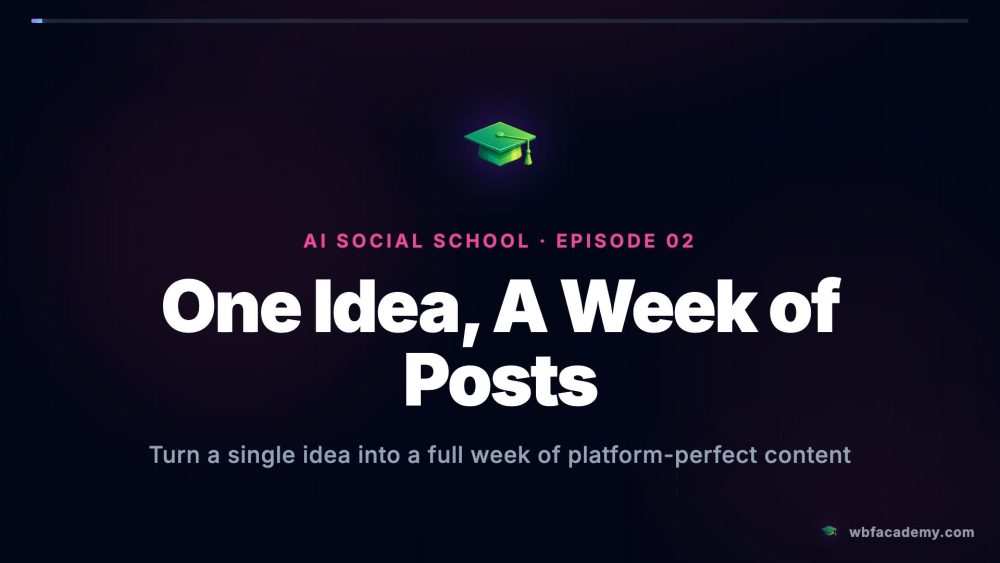
Lesson 2 · 7:02One Idea, A Week of Posts
Practice · 0 of 25 questionsModule practice
Module practice
0 of 25 for the certificate
Answer 25 questions
This module has 50 questions; 25 count toward the certificate.
Practice →
2 Short-Form Video 2 lessons · 1 practice 0 of 3
Lesson 1 · 6:54Hooks for Reels & Shorts

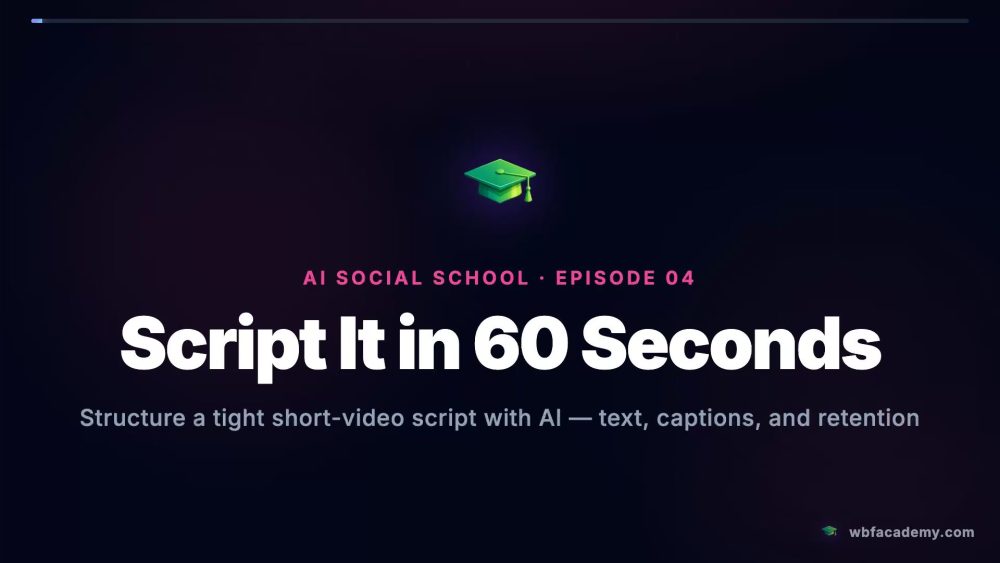
Lesson 2 · 7:02Script It in 60 Seconds
Practice · 0 of 25 questionsModule practice
Module practice
0 of 25 for the certificate
Answer 25 questions
This module has 50 questions; 25 count toward the certificate.
Practice →
3 Visuals & Carousels 2 lessons · 1 practice 0 of 3
Lesson 1 · 6:23Carousels That Get Saved

Lesson 2 · 6:43On-Brand Visuals, No Designer

Practice · 0 of 25 questionsModule practice
Module practice
0 of 25 for the certificate
Answer 25 questions
This module has 50 questions; 25 count toward the certificate.
Practice →
4 Growth & Engagement 2 lessons · 1 practice 0 of 3
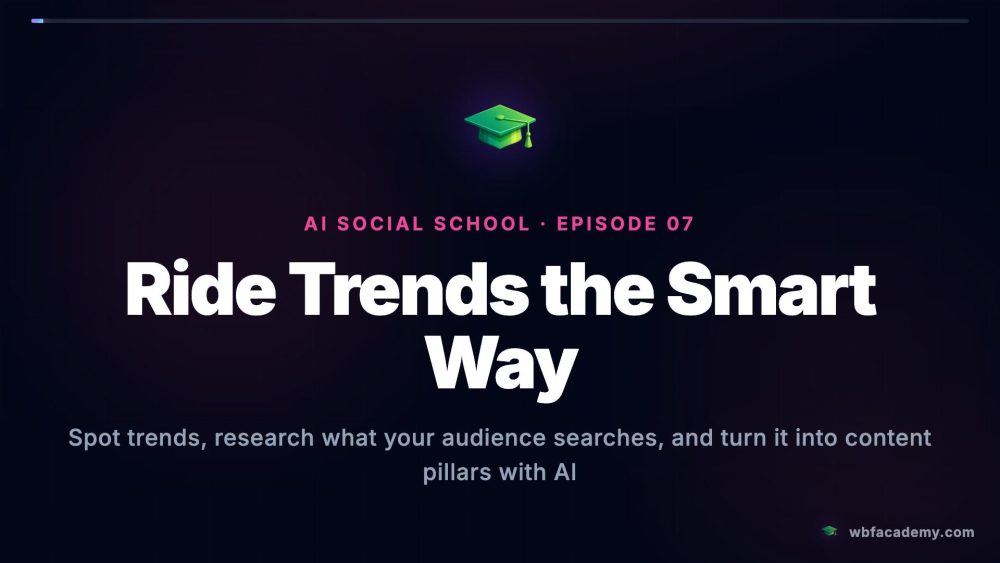
Lesson 1 · 6:36Ride Trends the Smart Way
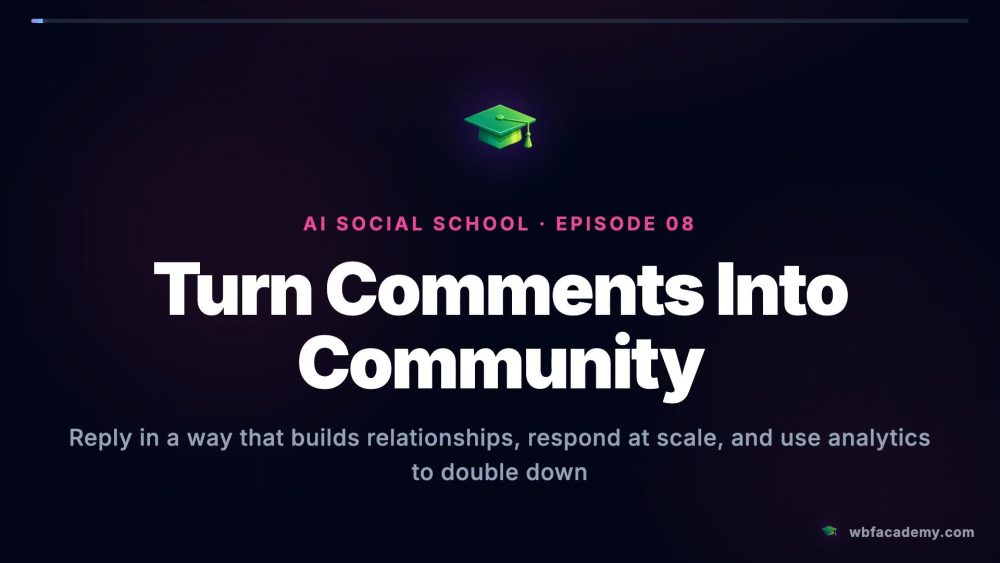
Lesson 2 · 6:46Turn Comments Into Community
Practice · 0 of 25 questionsModule practice
Module practice
0 of 25 for the certificate
Answer 25 questions
This module has 50 questions; 25 count toward the certificate.
Practice →
5 Scheduling & Automation 2 lessons · 1 practice 0 of 3
Lesson 1 · 6:14Plan a Month in an Afternoon

Lesson 2 · 7:03One Video, Ten Posts

Practice · 0 of 25 questionsModule practice
Module practice
0 of 25 for the certificate
Answer 25 questions
This module has 50 questions; 25 count toward the certificate.
Practice →
Tips
See all
Ethics
Always review AI output before it ships
You are the editor, not the typist
Productivity
Schedule posts, then leave them alone
Automation buys you consistency
Workflow
Spin one idea into a content cluster
Repeat the theme across formats
Productivity
Generate a week of posts in one prompt
Plan in batches, not day by day