

UX/UI Design with Figma
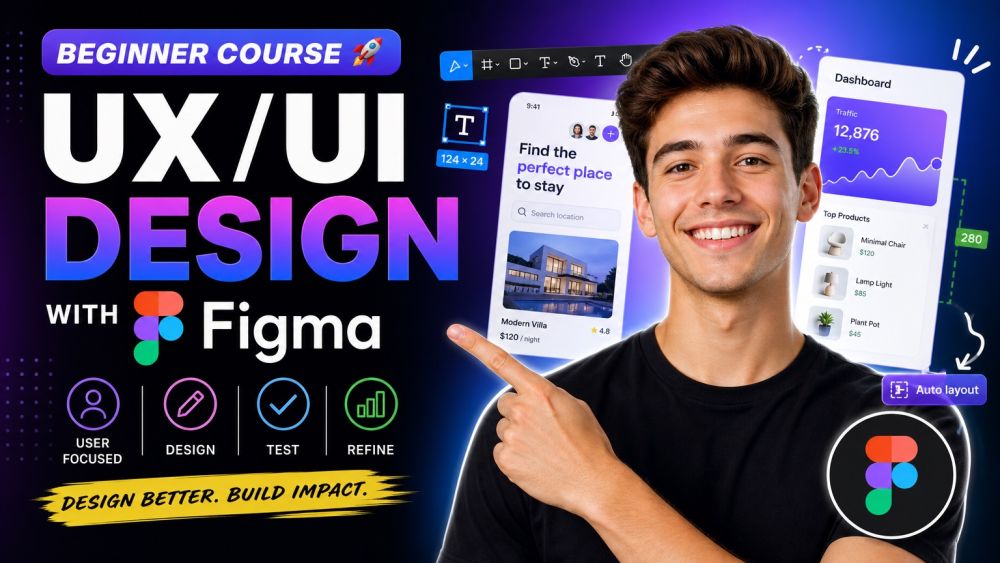
Great products are not built by accident, they are designed, tested, and refined with the user in mind, and this beginner course teaches you exactly how. You will start with the foundations: the difference between UX and UI, why user-centered design matters, and the usability principles that separate a product people love from one they abandon. From there you move into research, personas, user journeys, user flows, and the wireframes that turn ideas into a plan before a single pixel is polished. You will study visual design: color theory, typography, spacing, layout grids, and the visual hierarchy that guides a user's eye. Then you get hands-on in Figma itself, the industry-standard design tool: navigating frames and components, building reusable styles, and using auto-layout to design faster and more consistently. Finally, you learn to turn static screens into interactive prototypes, run simple usability tests, gather feedback, and prepare a clean, organized handoff that developers can actually build from. No design degree or prior Figma experience required, just curiosity about how good products get made. By the end you will think like a designer and have the practical Figma skills to design a real interface from a blank canvas to a click-through prototype ready to share.