

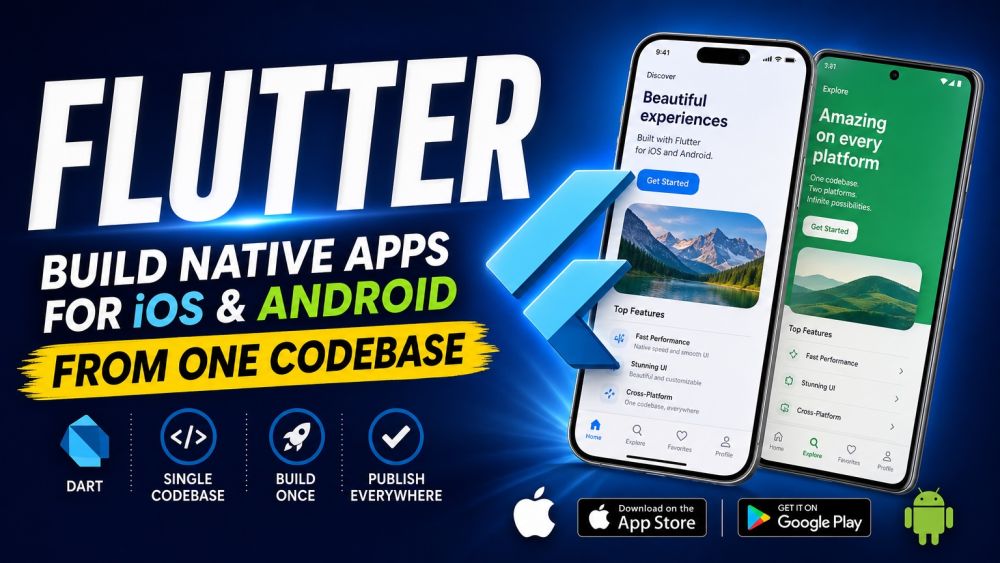
Flutter
IntermediateFlutter lets you build native-quality iOS and Android apps from a single Dart codebase, and this course takes you from the language itself to a published app on both app stores. You start with Dart fundamentals: syntax, null safety, classes and mixins, async/await, and the collections you'll use everywhere. From there you learn to think in widgets — the tree that is Flutter's entire UI model, the difference between stateless and stateful widgets, layout primitives like Row, Column, and Stack, and how to pick between Material and Cupertino design languages while keeping your layouts responsive across phone and tablet sizes. With the UI vocabulary in place, you tackle state management: setState for local state, lifting state up when widgets need to share it, and a practical tour of Provider and Riverpod so you know which tool fits which problem instead of reaching for the heaviest one by default. Next you wire your app to the real world: Navigator 2.0 and go_router for navigation, building and validating forms, calling REST APIs over HTTP, serializing JSON into Dart models, and persisting data locally on the device. Finally you get your app ready to ship: writing tests that catch regressions, profiling performance to keep animations smooth, calling native code through platform channels when Dart alone isn't enough, and the concrete steps for App Store and Play Store deployment plus setting up CI so every release is repeatable. By the end you will have shipped a real cross-platform app and know exactly how to structure, test, and deploy the next one.
Course content
Certification Exam
Certification Exam
Flutter
🔒 Unlock the exam
Complete the requirements above to unlock the exam
Certification Exam
Flutter
40 Questions
All difficulty levels
90 Minutes
Auto-submits when time expires
75% to Pass
Earn your certification badge
No Going Back
Once you answer, you move forward
Tips
See allAutomate store submission with fastlane or Codemagic
Manual archive-and-upload does not scale past one release
Set up flavors before you need a staging build
Retrofitting dev/staging/prod later is painful
Widget tests run without a device or emulator
flutter test is fast enough to run on every save
Downsize images at decode time with cacheWidth
A 4000px photo in a 100px thumbnail wastes memory