

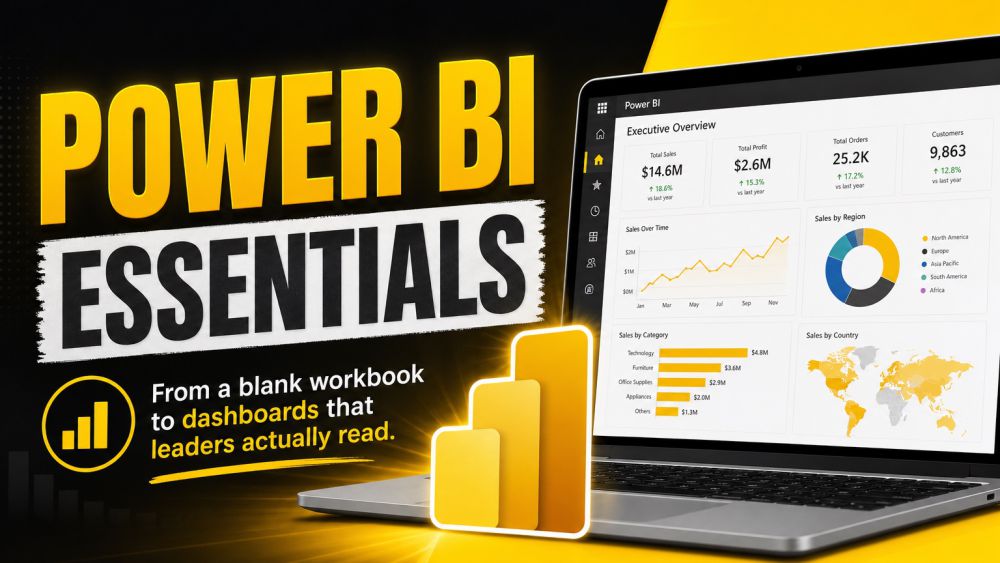
Power BI Essentials
Power BI is the business intelligence platform built by Microsoft, and this course takes you from a blank workbook to dashboards that leaders actually read. You will start by touring the Power BI ecosystem, Desktop, Service, and Mobile, and getting comfortable importing data from spreadsheets, databases, and cloud sources. From there you will use Power Query to clean and reshape messy data into tables ready to analyze, then build a proper data model by connecting tables with relationships instead of duplicating columns everywhere. The heart of the course is DAX: you will write measures and calculated columns that turn raw numbers into real business answers, like running totals, year-over-year growth, and percent-of-total ratios. Finally you will design reports and dashboards with the right visuals for the story you are telling, then publish and share them securely with your team using workspaces and row-level security. By the end you will build complete, trustworthy Power BI solutions with confidence, from raw data to a shared dashboard.