
Black Friday
Lifetime Pro plan for US$ 297. Pay once, learn forever. 10 days left.
See the offer
Beginner AI
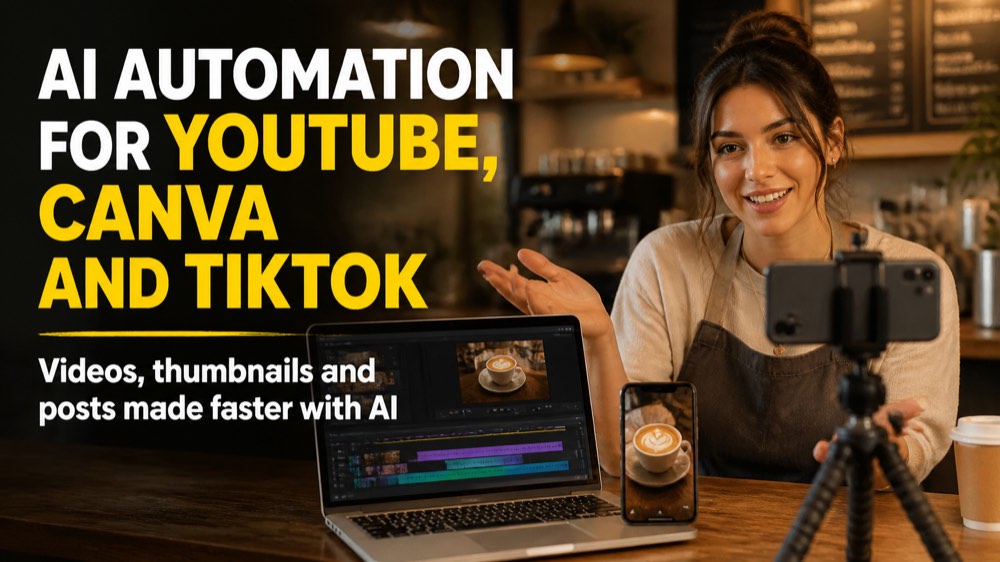
AI Automation for YouTube, Canva and TikTok
Turn one idea into a week of content with the AI tools already built into YouTube, Canva and TikTok. You learn a simple creator workflow, design thumbnails and videos with Canva AI, use YouTube Studio features like thumbnail testing and auto dubbing, create and schedule with TikTok Studio, label AI content correctly, and connect everything with scheduling and no-code automations. For beginners, no design or coding skills needed.
5 modules 10 lessons 4 h 250 questions
Course content
1 Your AI Creator Workflow 2 lessons · 1 practice 0 of 3
Lesson 1 · 6:15One Idea, Three Platforms
Lesson 2 · 6:05Prompts, Labels and Rights
Practice · 0 of 25 questionsModule practice
Module practice
0 of 25 for the certificate
Answer 25 questions
This module has 50 questions; 25 count toward the certificate.
Practice →
2 Canva AI 2 lessons · 1 practice 0 of 3
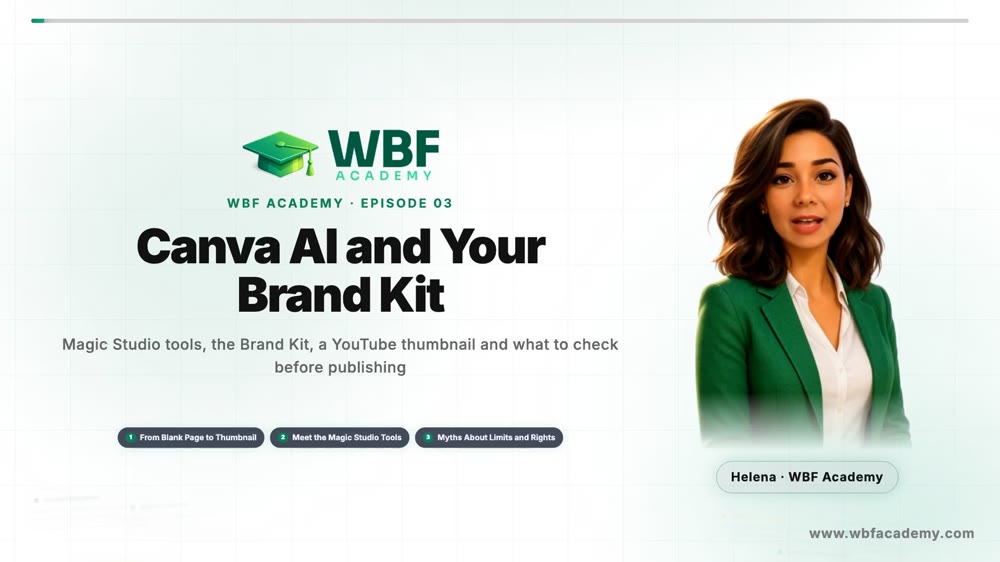
Lesson 1 · 6:02Canva AI and Your Brand Kit
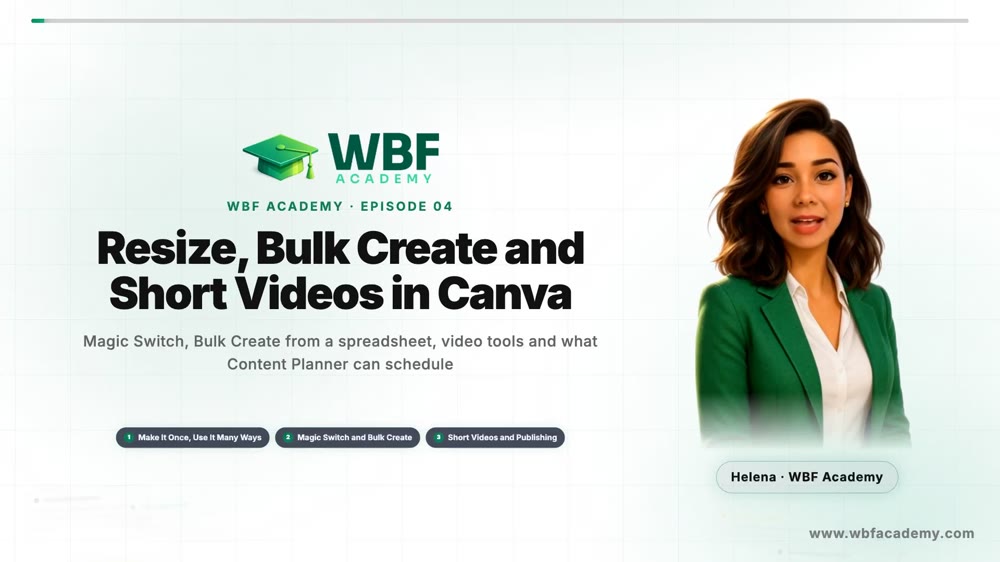
Lesson 2 · 5:55Resize, Bulk Create and Short Videos in Canva
Practice · 0 of 25 questionsModule practice
Module practice
0 of 25 for the certificate
Answer 25 questions
This module has 50 questions; 25 count toward the certificate.
Practice →
3 YouTube with AI 2 lessons · 1 practice 0 of 3
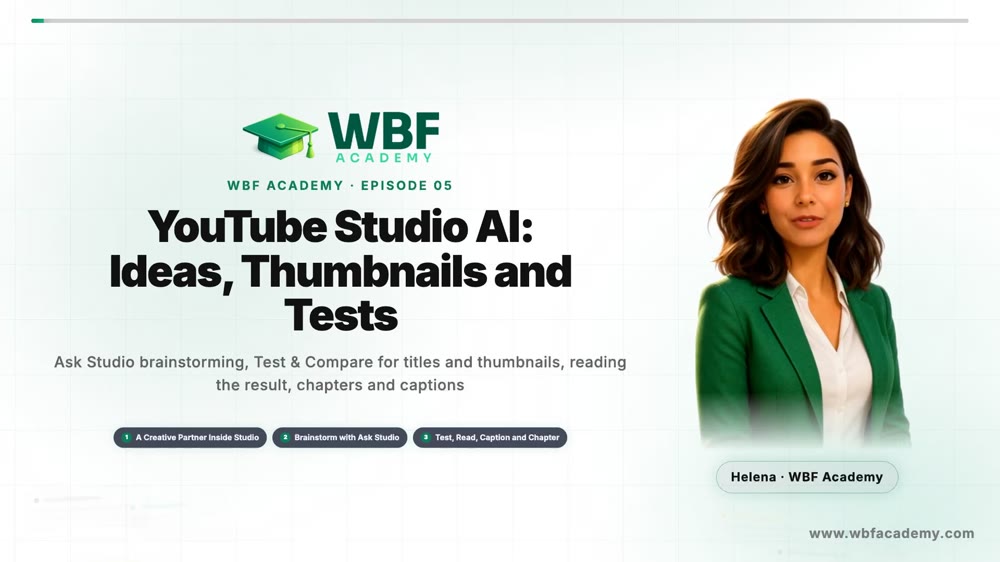
Lesson 1 · 6:14YouTube Studio AI: Ideas, Thumbnails and Tests
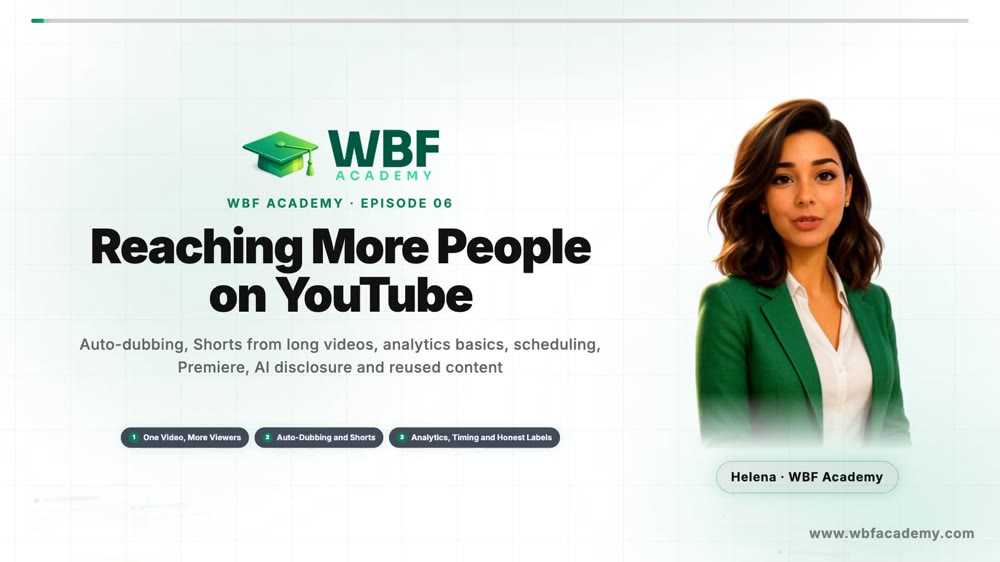
Lesson 2 · 6:16Reaching More People on YouTube
Practice · 0 of 25 questionsModule practice
Module practice
0 of 25 for the certificate
Answer 25 questions
This module has 50 questions; 25 count toward the certificate.
Practice →
4 TikTok with AI 2 lessons · 1 practice 0 of 3
Lesson 1 · 6:16TikTok's AI Toolbox
Lesson 2 · 6:31Post It Right on TikTok
Practice · 0 of 25 questionsModule practice
Module practice
0 of 25 for the certificate
Answer 25 questions
This module has 50 questions; 25 count toward the certificate.
Practice →
5 Connect and Automate 2 lessons · 1 practice 0 of 3
Lesson 1 · 6:29Schedule Without Code
Lesson 2 · 6:50Zapier, Make and What Not to Automate
Practice · 0 of 25 questionsModule practice
Module practice
0 of 25 for the certificate
Answer 25 questions
This module has 50 questions; 25 count toward the certificate.
Practice →
Tips
See all
Workflow
Set the AI use label at upload
Realistic AI needs a yes in Studio
Workflow
Skip the label for ideas and scripts
Know what does not need disclosure
Workflow
Vary every video, never mass-produce
Avoid inauthentic content
Workflow
Check rights before you sell AI designs
Cleared for use is not guaranteed