Git & GitHub Fundamentals
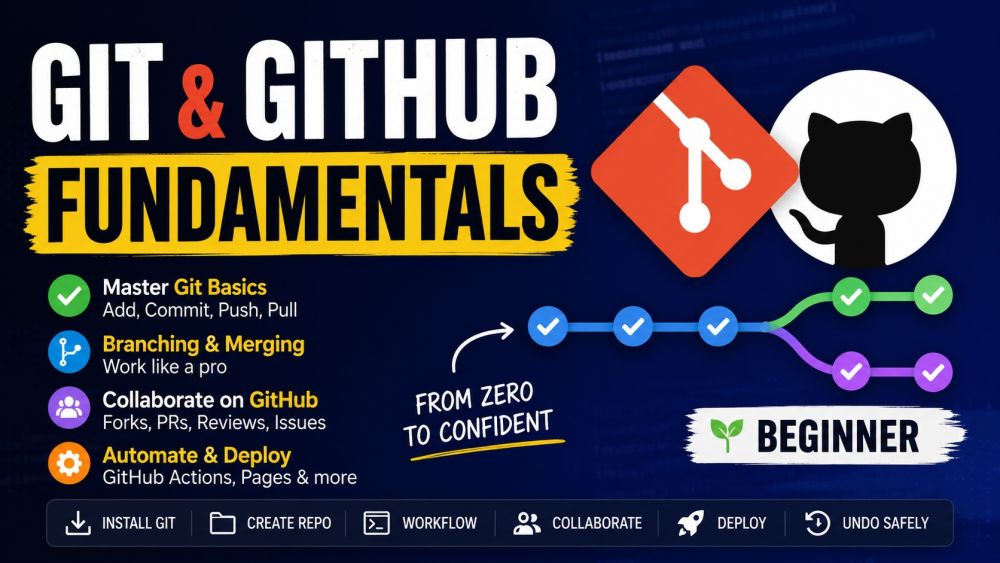
BeginnerLearn Git and GitHub from scratch — the version-control skills every developer needs. Start with what version control is and why it matters, install Git, and create your first repository. Master the everyday workflow (add, commit, push, pull), branching and merging, and resolving conflicts. Then collaborate like a pro on GitHub with forks, pull requests, code reviews, and issues — and finish with GitHub Actions, Pages, and how to undo mistakes safely. No prior experience required.
Videos
See allTracks
Start at the very beginning. Understand what version control is and why every developer relies on it, how Git (the tool on your computer) and GitHub (the platform in the cloud) work together, and the core ideas of repositories, commits, and history. Install and configure Git, create a GitHub account, and clone your first repository. By the end you have a working setup and a clear mental model.
This is the workflow you will use every single day. Learn the three areas of Git (working directory, staging area, repository), stage changes with git add, save snapshots with git commit and good commit messages, and sync with the remote using git push and git pull. Read your history with git log and git status, and understand what is actually happening at each step so it never feels like magic.
Branches are Git's superpower. Learn why branches exist, how to create and switch them with git branch and git switch/checkout, and how to bring work back together with git merge. Understand fast-forward vs merge commits, what a merge conflict is and how to resolve one calmly, and the branching habits that keep a project clean. This is where Git goes from useful to genuinely powerful.
Software is a team sport, and GitHub is where the team works. Learn the collaboration model: fork or clone a repo, push a branch, and open a pull request. Master code review — giving and responding to feedback, requesting changes, and merging cleanly. Use issues to track work and bugs, link them to pull requests, and understand how open-source and professional teams actually ship together on GitHub.
Round out your skills with the things that make you productive. Automate tasks with a first taste of GitHub Actions (CI/CD), publish a site for free with GitHub Pages, write great READMEs with Markdown, and keep junk out of your repo with .gitignore. Then learn to undo mistakes safely — amend a commit, revert, reset, and recover lost work — so a wrong move is never a disaster. Finish ready to use GitHub confidently every day.
Certification Exam
Certification Exam
Git & GitHub Fundamentals
All tracks · No time pressure to start
Certification Exam
Git & GitHub Fundamentals
30 Questions
All difficulty levels
45 Minutes
Auto-submits when time expires
70% to Pass
Earn your certification badge
No Going Back
Once you answer, you move forward
Tips
See allGit Is Your Project Time Machine
Version control saves you from disaster
Set Your Identity Before Your First Commit
git config name and email once, globally
Git and GitHub Are Not the Same Thing
One is the tool, the other is the home
Clone to Join, Init to Start
Pick the right command for the situation