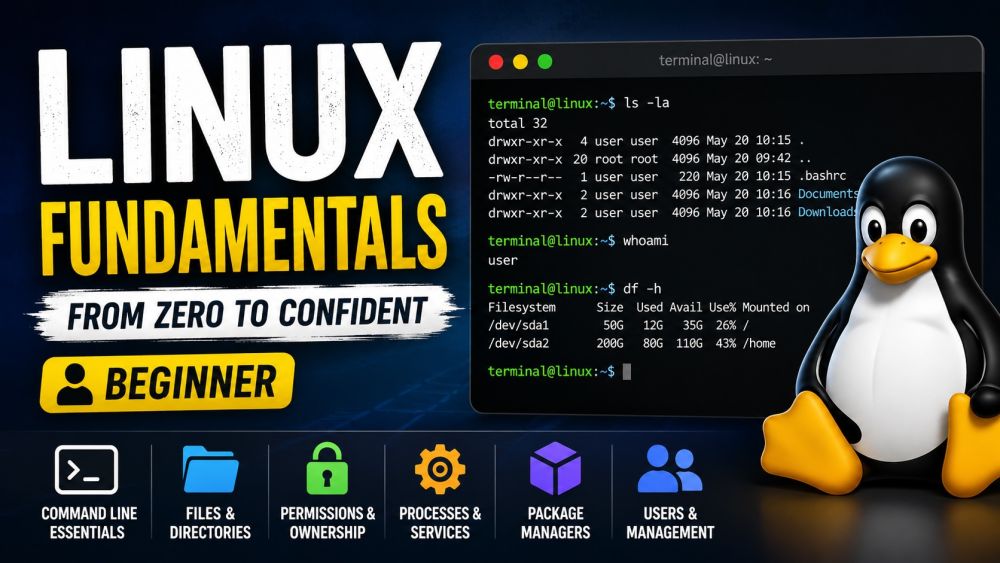
Linux Fundamentals
BeginnerLearn Linux from zero — the operating system behind most of the internet, the cloud, and developer machines everywhere. Get comfortable in the terminal, navigate the filesystem with confidence, and run the essential commands every engineer uses daily. Understand files and permissions (who can read, write, and execute), watch and control running processes, and install software with package managers like apt and dnf. No prior command-line experience required — by the end you can move around a Linux system, manage files and users, and feel at home on any server.
Videos
See allTracks
Everything in Linux is a file, organized in one big tree that starts at the root (/). Learn the standard directory layout (/home, /etc, /var, /bin), how absolute and relative paths work, and the commands to move and look around: pwd, cd, ls, tree. Master hidden files, the meaning of . and .., and how to read what you see. By the end you can confidently navigate any Linux machine without getting lost.
The shell is how you tell Linux what to do. Learn what bash is, how a command is built (command, options, arguments), and the everyday tools you will use constantly: cat, echo, grep, find, less, and man for help. Discover the power of pipes and redirection to chain commands together, plus history and tab completion to work fast. By the end the terminal feels like a superpower, not a mystery.
Now put files to work. Learn to create, copy, move, rename, and delete files and directories (touch, mkdir, cp, mv, rm) and how to view and edit their contents. Then master the Linux permission model: the read/write/execute bits, owner/group/others, and how to read and change them with chmod, chown, and numeric modes like 755. Understand why permissions matter for security. By the end you control exactly who can do what with every file.
Every running program is a process. Learn to see what is running (ps, top, htop), understand process IDs and the parent/child tree, and control them: start jobs in the background, bring them forward, and stop them with kill and signals. Then peek at the system itself — users (whoami, who), disk and memory usage (df, du, free), and environment variables. By the end you can diagnose a busy machine and keep it under control.
You rarely download installers on Linux — you use a package manager. Learn how software is packaged and distributed, the difference between major families (Debian/Ubuntu with apt, Red Hat/Fedora with dnf), and the everyday workflow: search, install, update, and remove packages. Understand repositories, dependencies, and keeping a system up to date and secure. By the end you can install and manage software on any Linux distribution with confidence.
Certification Exam
Certification Exam
Linux Fundamentals
All tracks · No time pressure to start
Certification Exam
Linux Fundamentals
30 Questions
All difficulty levels
45 Minutes
Auto-submits when time expires
70% to Pass
Earn your certification badge
No Going Back
Once you answer, you move forward
Tips
See allEverything Hangs From One Root
Linux has a single tree, not drive letters
Absolute Paths Always Start at Root
A leading slash means start from the top
Jump Home and Back With cd Shortcuts
cd ~ goes home, cd - returns to where you were
See Everything With ls -lah
One flag combo shows details, hidden files, and sizes