
WBF Academy
React

React

Beginner

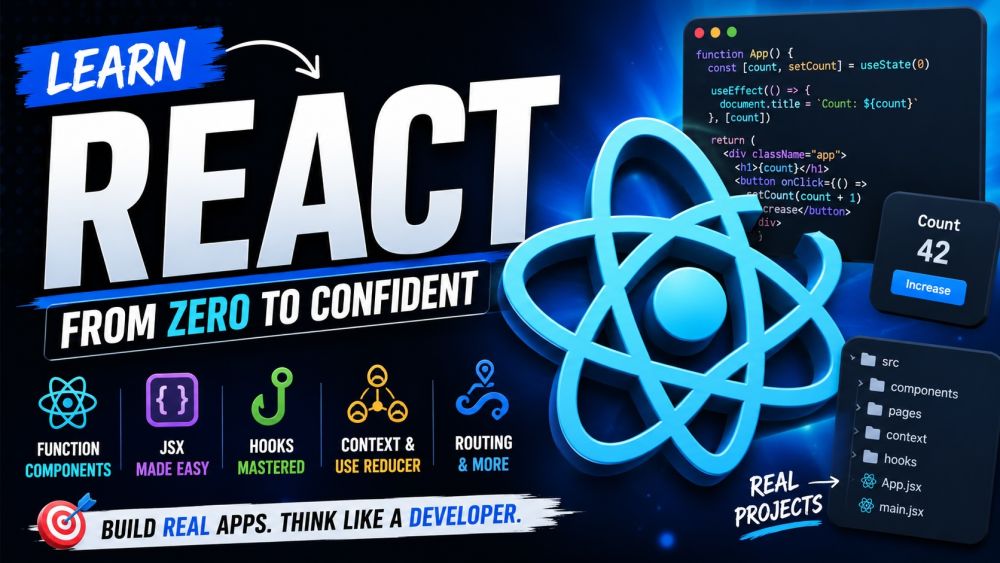
Learn React the way it is actually written today — with function components and hooks, no class-component baggage. This beginner course starts from JSX and how a component turns data into UI, then builds up the mental model that makes React click: props flow down, state drives the screen, and the UI re-renders when state changes. You will master the core hooks — useState, useEffect, useRef, useMemo, useCallback — and learn when each one belongs and when it does not. From there you will lift state up, share it with Context, tame complex updates with useReducer, fetch data without race conditions or memory leaks, and wire up client-side routing with params, layouts, and code-splitting. Every track is hands-on and example-driven, so by the end you can read any modern React codebase and build real, interactive interfaces with confidence.

📋 5 tracks ❓ 250 questions 💡 20 tips 🎬 10 videos ⏱ ~6h
▶ Start watching

Videos

See all

Tracks

Everything in React is a component — a function that takes data and returns UI. Start here: learn JSX, the HTML-like syntax that React compiles to elements, and the rules that trip up beginners (one root, className, curly braces for expressions). You will build small, reusable components, pass data into them with props, and compose them like Lego to build a whole screen. Then learn the two patterns you will use constantly: conditional rendering to show or hide parts of the UI, and list rendering with map and stable keys. By the end you can take a static design and break it into a clean tree of components that render real data.

Hooks are how function components remember things and react to change. Go deep on the ones that matter: useState to hold state and trigger re-renders, and the golden rule of updating it immutably. Then useEffect for synchronizing with the outside world — and exactly when its dependency array runs, skips, or causes the infamous infinite loop. You will reach for useRef to hold values that survive renders without re-rendering, and use useMemo and useCallback to skip expensive work and keep references stable. Just as important, you will learn when NOT to memoize. By the end you can pick the right hook for any job and avoid the stale-state and dependency bugs that catch everyone.

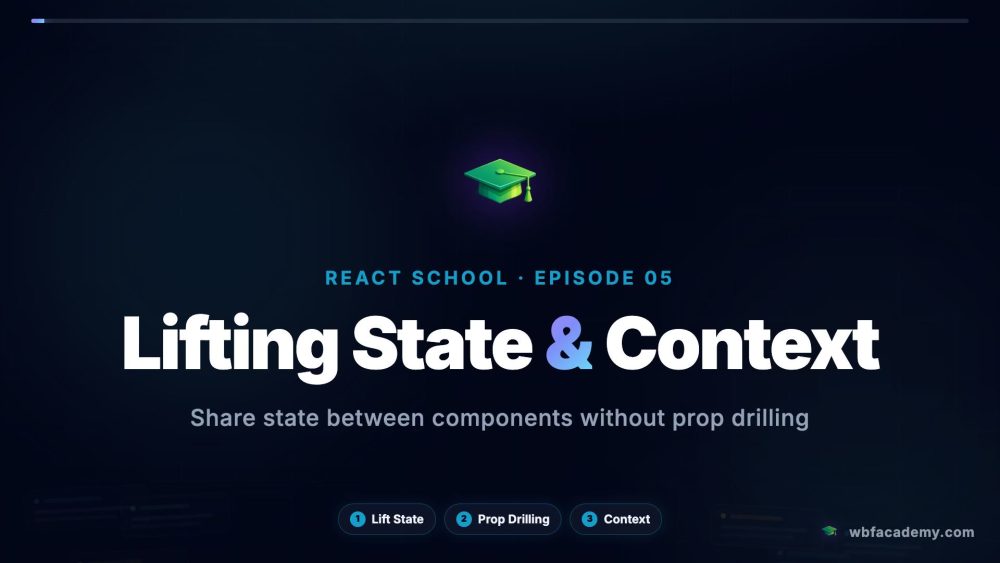
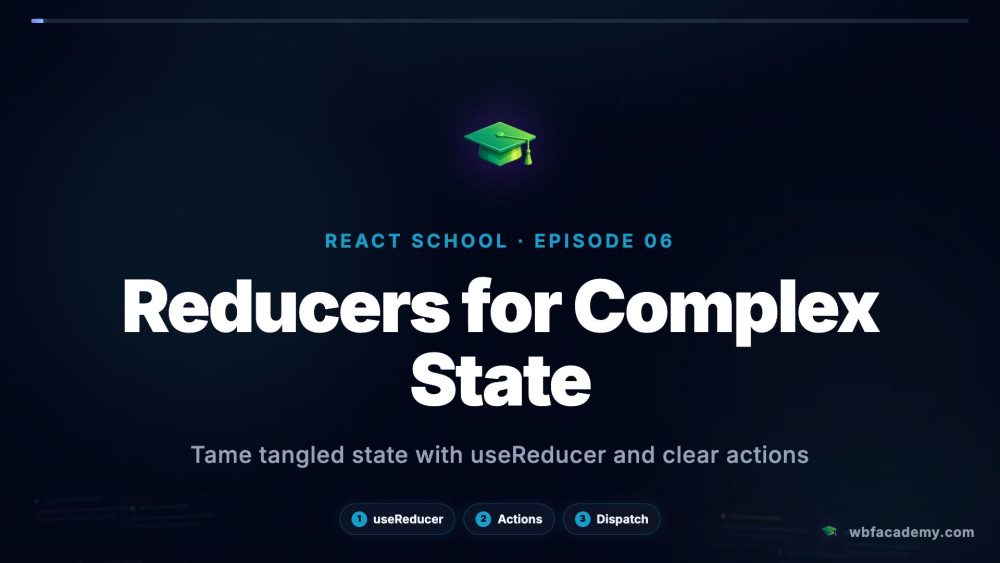
A single component's state is easy — the real skill is managing state across many. Learn to lift state up to the closest common parent so siblings can share it, and recognize prop drilling when passing it down gets painful. Then use Context to hand state to a whole subtree without threading props through every level — and learn its trade-offs so you do not overuse it. For complex state with many related transitions, useReducer gives you a predictable, testable update function instead of a tangle of useState calls. By the end you can choose the right tool — local state, lifted state, Context, or a reducer — for any feature, and keep your data flow clean as the app grows.

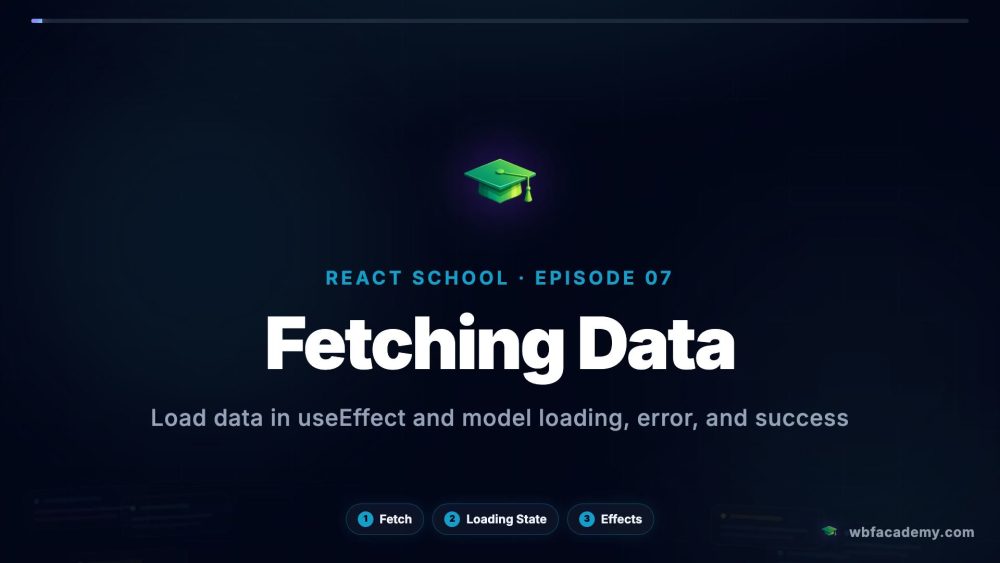
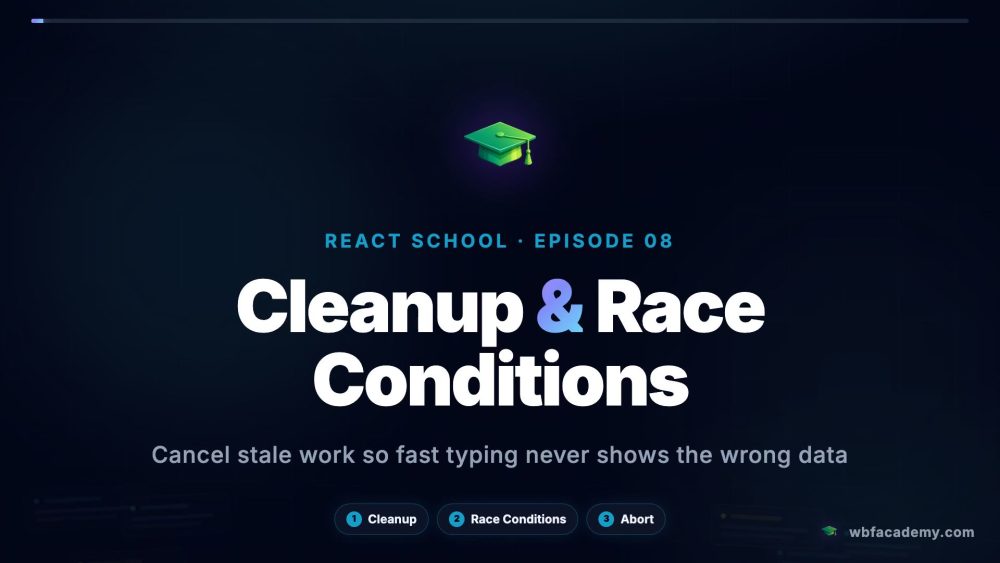
Real apps talk to servers — and that is where beginners get burned. Learn to fetch data inside useEffect the right way: model the three states every request has (loading, error, success) so the UI never lies to the user. Then face the two classic traps head-on. Cleanup functions cancel work when a component unmounts or its inputs change, so you avoid memory leaks and "setState on an unmounted component" warnings. Race conditions strike when a fast second request resolves before a slow first one — you will learn the ignore-flag and AbortController patterns that keep stale responses off the screen. By the end you can wire any component to live data and trust it to behave under real-world timing.

A real app is more than one screen. Learn client-side routing: map URLs to components so the browser back button, links, and bookmarks all work without a full page reload. You will read params from the URL to build detail pages, share layouts so a nav bar or sidebar wraps many routes without repetition, and handle nested and not-found routes. Then tie it together with composition patterns — children props and component composition that keep your tree flexible instead of rigid — and code-splitting with lazy and Suspense so the browser only downloads a route's code when the user visits it. By the end you can structure a multi-page React app that loads fast and stays easy to navigate and grow.

Certification Exam

🏆

Certification Exam

React

30
Questions
45m
Time Limit
% 70%
To Pass

All tracks · No time pressure to start

🏆

Certification Exam

React

#

30 Questions

All difficulty levels

45 Minutes

Auto-submits when time expires

%

70% to Pass

Earn your certification badge

No Going Back

Once you answer, you move forward

Tips

See all