AI for Educators
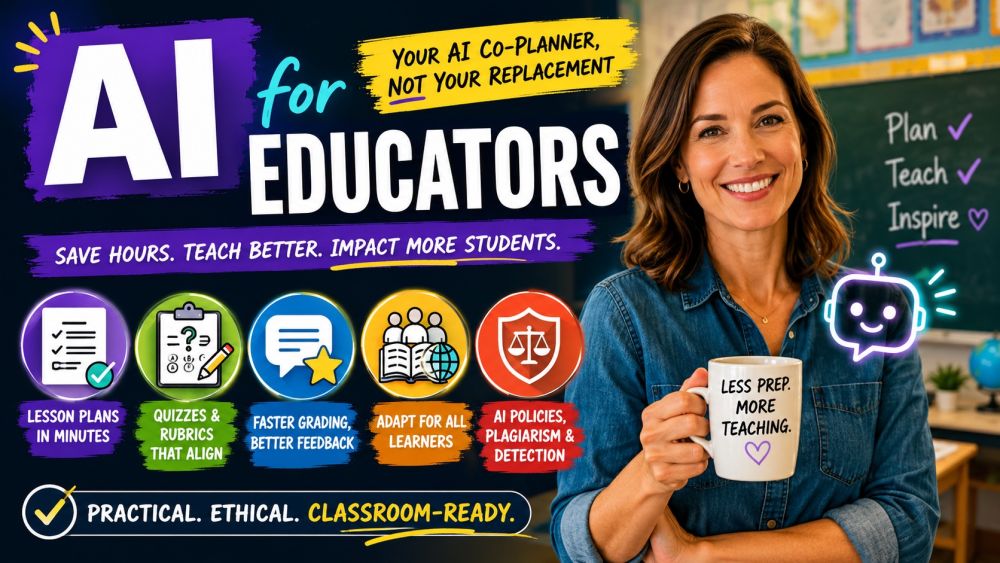
BeginnerReclaim your evenings and weekends — teach with AI as your co-planner, not your replacement. This beginner course is built for real classroom teachers: no coding, no jargon, just practical moves you can use on Monday morning. Turn a standard into a full lesson plan with objectives, activities, and materials in minutes. Generate quizzes, rubrics, and varied question types that actually align to what you taught. Grade faster and give warmer, more consistent feedback while keeping the final call human. Adapt the same lesson for different reading levels, learning needs, and home languages so every student can access it. And face the hard part head-on — a clear, fair classroom policy for student AI use, and an honest look at plagiarism and detection tools. By the end you will save hours every week and use AI in a way you can stand behind with students, parents, and colleagues.
Videos
See allTracks
Planning eats the hours you would rather spend teaching. Learn to hand AI a standard or learning goal and get back a full lesson — clear objectives, a warm-up, guided practice, activities, and the materials list — then shape it to your students and class time. Practice writing prompts that produce plans you would actually use, not generic filler, and build reusable templates for your units. You will also learn where your professional judgment must lead: pacing, classroom reality, and the parts only you know. By the end you can plan a strong lesson in a fraction of the time.
A good quiz measures the objective, not just what is easy to write. Learn to use AI to generate quizzes, exit tickets, and full assessments with varied question types — multiple choice, short answer, true/false, and prompts that ask students to explain their thinking — all aligned to your learning goals. Build clear rubrics, create parallel versions to reduce copying, and set the right difficulty for your class. You will also learn to review every item for accuracy and fairness before it reaches a student. By the end you can produce aligned, ready-to-use assessments in minutes.
Grading stacks up fastest and helps students least when you are exhausted. Learn to use AI to speed up grading against a rubric and to draft specific, encouraging feedback that names strengths and one clear next step — in your voice. Practice turning a rubric into consistent comments across a whole class, catching common mistakes, and keeping tone warm rather than harsh. Most important, you will keep the human final call: you review, adjust, and own every grade. By the end you give better feedback to more students in far less time.
Every class holds a wide range of readers, needs, and home languages — and rewriting for each is impossible by hand. Learn to use AI to adapt the same lesson: simplify or enrich a text by reading level, translate materials for multilingual families, and adjust activities for students with different learning needs. Build tiered versions of a task, create scaffolds and sentence starters, and design supports for accommodations. You will also learn to keep high expectations for every student, not water content down. By the end you can reach the whole room without doubling your prep.
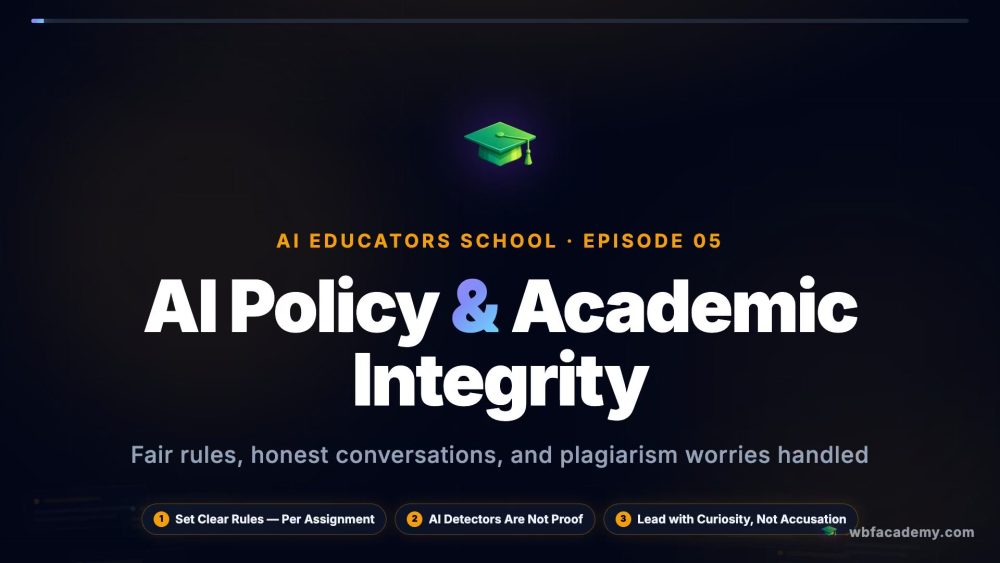
Students already use AI — pretending otherwise helps no one. Learn to set a clear, fair classroom policy: when AI use is encouraged, when it must be disclosed, and when it counts as cheating. Get an honest look at plagiarism and AI-detection tools, including why detectors are unreliable and can wrongly accuse students. Learn to design assignments that are harder to fake and that value the thinking, not just the product, and how to talk with students and parents about it. By the end you can lead your classroom on AI with fairness, clarity, and trust.
Certification Exam
Certification Exam
AI for Educators
All tracks · No time pressure to start
Certification Exam
AI for Educators
30 Questions
All difficulty levels
45 Minutes
Auto-submits when time expires
70% to Pass
Earn your certification badge
No Going Back
Once you answer, you move forward
Tips
See allDraft the Lesson Plan, Then Make It Yours
A starting point, not the final plan
Differentiate One Text Into Three
Same content, three reading levels
Build a Rubric in Minutes
Clear criteria before students start
Design Assignments AI Cannot Do Alone
Ask for the thinking, not just the answer