
WBF AcademyWBF Academy
Black Friday Lifetime Pro plan for US$ 297. Pay once, learn forever. 10 days left. See the offer
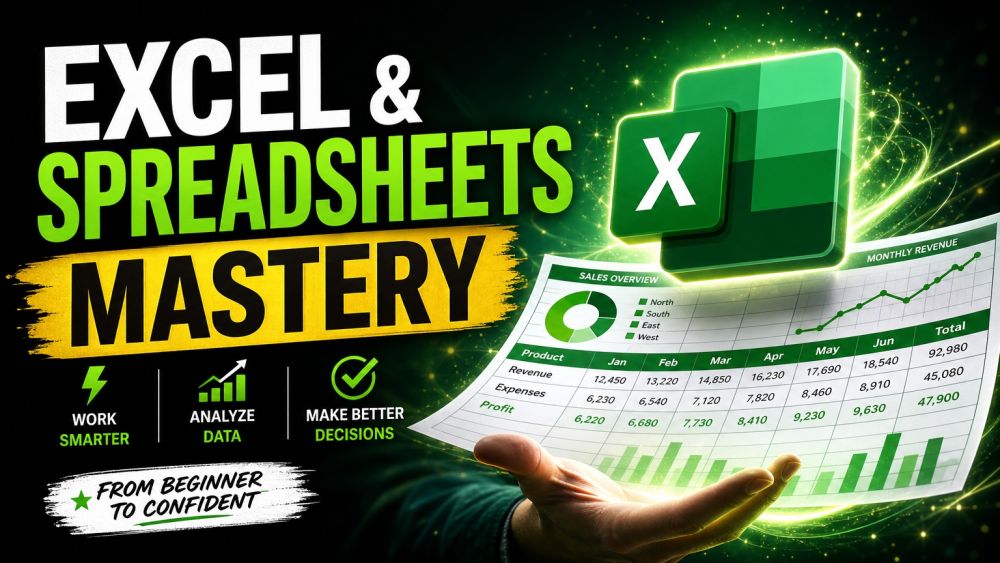
Excel & Spreadsheets Mastery
Beginner Personal Development

Excel & Spreadsheets Mastery

Spreadsheets run the working world, and the people who are comfortable in them look like magicians to everyone else. This beginner course makes you one of them, no finance degree, no jargon, just the practical skills that save you hours every week. You will start with the grid itself: cells, rows, references, and how to write your first formulas without fear. From there you build real fluency with the functions that do the heavy lifting, SUM, AVERAGE, IF, COUNTIF, VLOOKUP and XLOOKUP, and learn when to reach for each one. Then you tame messy data: sorting, filtering, cleaning, removing duplicates, and using tables so your work stays organized as it grows. You will turn raw numbers into clear charts that tell a story in one glance, and finish with light analysis, PivotTables, summaries, and dashboards that answer real questions. Every lesson uses realistic examples you can copy straight into your own sheets. By the end you will open a blank spreadsheet with confidence and be the person on your team who just figures it out.
5 modules 10 lessons 4 h 250 questions

Course content

1 Formulas & The Grid 2 lessons · 1 practice 0 of 3
Lesson 1 · 7:04Your First Formulas
7:04
Your First Formulas
Video · 7:04
Watch lesson ▶
Lesson 2 · 6:52Relative vs Absolute References
6:52
Relative vs Absolute References
Video · 6:52
Watch lesson ▶
Practice · 0 of 25 questionsModule practice
Module practice 0 of 25 for the certificate
Answer 25 questions
This module has 50 questions; 25 count toward the certificate.
Practice →
2 Essential Functions 2 lessons · 1 practice 0 of 3
Lesson 1 · 6:43SUM, AVERAGE & Friends
6:43
SUM, AVERAGE & Friends
Video · 6:43
Watch lesson ▶
Lesson 2 · 6:46IF, COUNTIF & VLOOKUP
6:46
IF, COUNTIF & VLOOKUP
Video · 6:46
Watch lesson ▶
Practice · 0 of 25 questionsModule practice
Module practice 0 of 25 for the certificate
Answer 25 questions
This module has 50 questions; 25 count toward the certificate.
Practice →
3 Working With Data 2 lessons · 1 practice 0 of 3
Lesson 1 · 6:34Sort, Filter & Clean
6:34
Sort, Filter & Clean
Video · 6:34
Watch lesson ▶
Lesson 2 · 6:38Excel Tables & Structured Data
6:38
Excel Tables & Structured Data
Video · 6:38
Watch lesson ▶
Practice · 0 of 25 questionsModule practice
Module practice 0 of 25 for the certificate
Answer 25 questions
This module has 50 questions; 25 count toward the certificate.
Practice →
4 Charts & Visuals 2 lessons · 1 practice 0 of 3
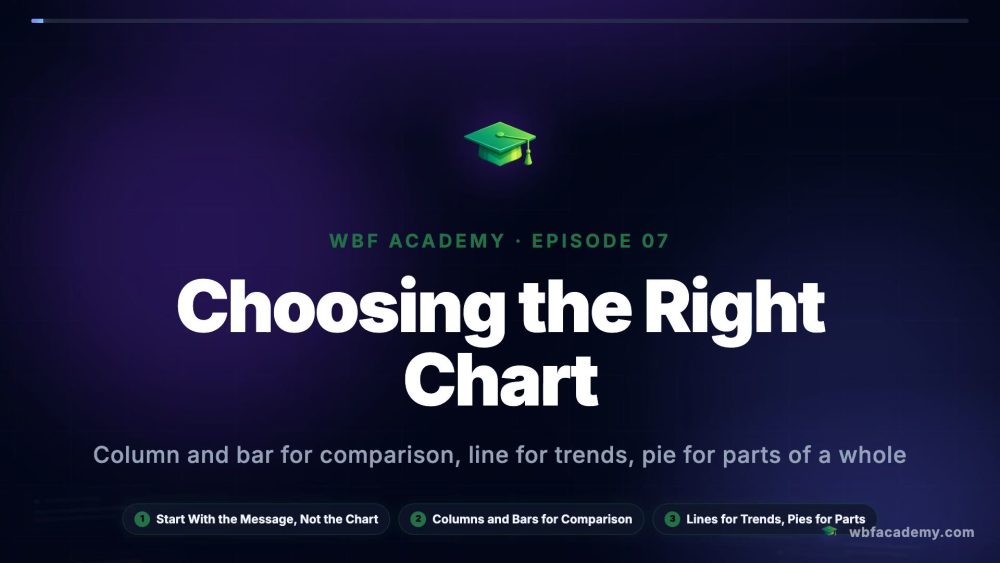
Lesson 1 · 6:23Choosing the Right Chart
6:23
Choosing the Right Chart
Video · 6:23
Watch lesson ▶
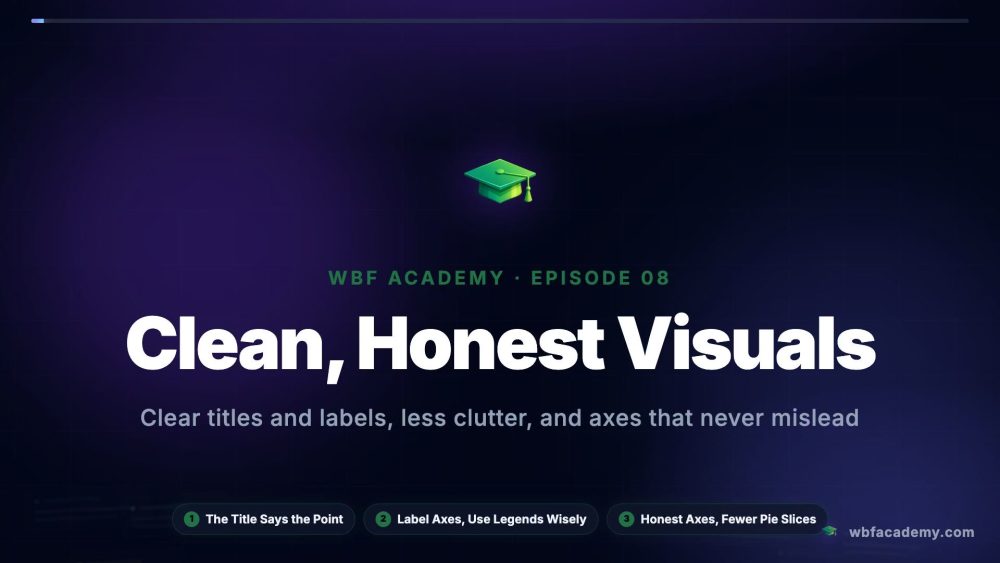
Lesson 2 · 6:16Clean, Honest Visuals
6:16
Clean, Honest Visuals
Video · 6:16
Watch lesson ▶
Practice · 0 of 25 questionsModule practice
Module practice 0 of 25 for the certificate
Answer 25 questions
This module has 50 questions; 25 count toward the certificate.
Practice →
5 Analysis & Dashboards 2 lessons · 1 practice 0 of 3
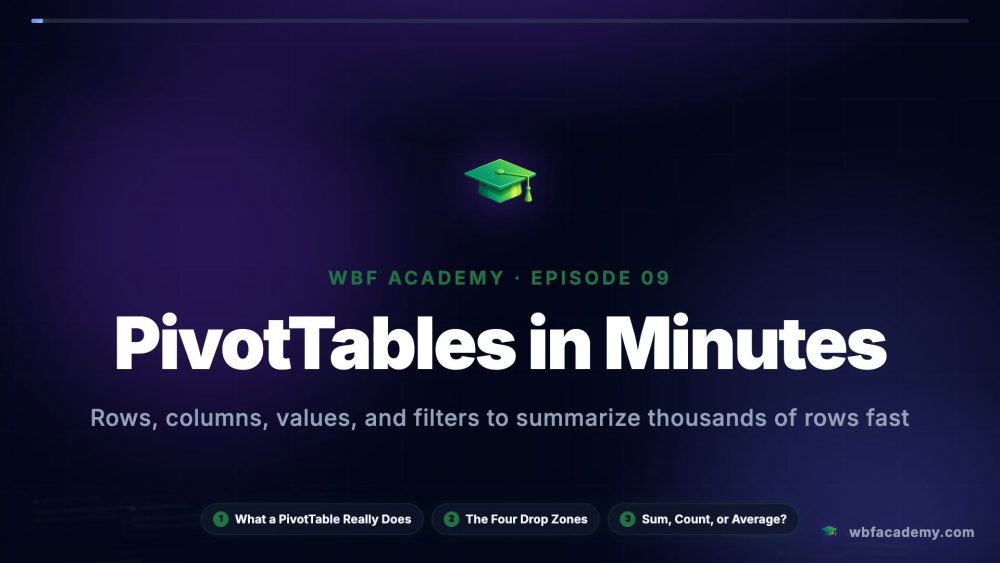
Lesson 1 · 6:40PivotTables in Minutes
6:40
PivotTables in Minutes
Video · 6:40
Watch lesson ▶
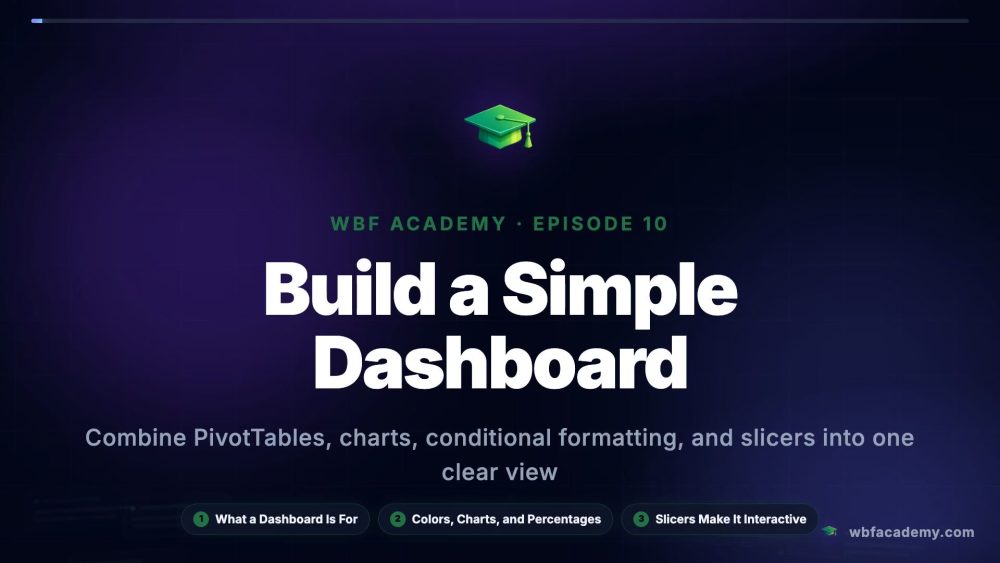
Lesson 2 · 7:05Build a Simple Dashboard
7:05
Build a Simple Dashboard
Video · 7:05
Watch lesson ▶
Practice · 0 of 25 questionsModule practice
Module practice 0 of 25 for the certificate
Answer 25 questions
This module has 50 questions; 25 count toward the certificate.
Practice →

Tips

See all