WBF Academy
Docker & Kubernetes

Docker & Kubernetes

Beginner

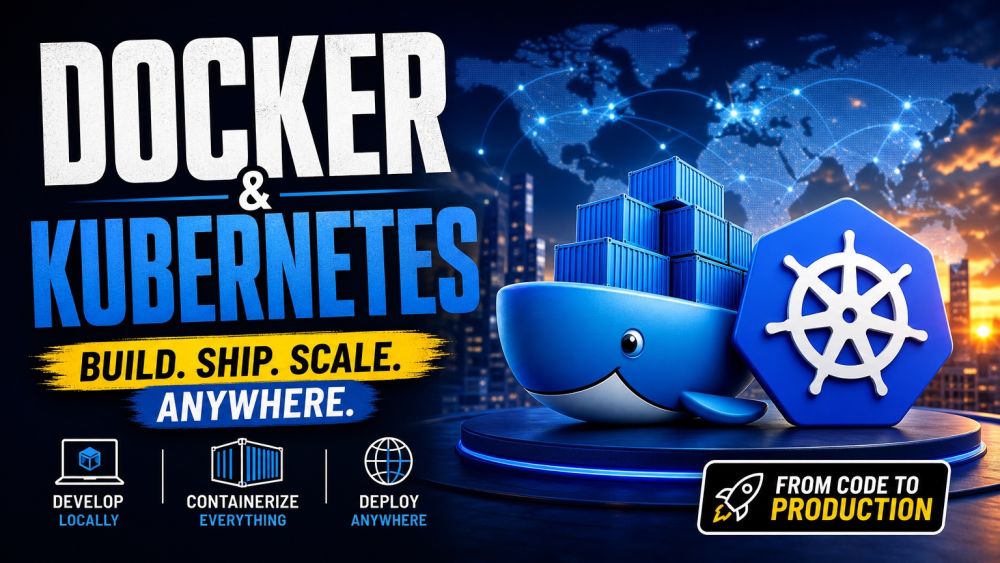
Docker and Kubernetes are the backbone of how modern software actually ships — from a single container on your laptop to a fleet of them running in production across the world. This course takes you from your very first docker run to deploying and scaling real applications on a Kubernetes cluster, entirely hands-on with the same command-line tools engineering teams use every day. You will start with containers themselves: what they are, how images differ from running instances, and how to build your own with a Dockerfile. From there you will compose multi-container applications with databases and networks, then step up to Kubernetes — learning pods, deployments, and services, and how the cluster keeps your application running even when things go wrong. You will finish by performing rolling updates, managing configuration and secrets, adding health checks, and routing traffic with Ingress, the exact skills teams rely on to ship safely at scale. No prior DevOps experience is assumed, just basic comfort with a terminal. By the end you will be able to containerize an application, run it locally with Compose, and deploy, update, and scale it on Kubernetes with confidence — a skill set that sits at the center of almost every modern engineering job.

📋 5 tracks ❓ 250 questions 💡 20 tips 🎬 10 videos ⏱ ~5h

Videos

See all

Tracks

Every Docker skill starts here: understanding what a container actually is and why it beats a virtual machine for shipping software. You will learn the difference between an image and a running container, pull and run your first containers, and use docker ps, docker exec, and docker logs to inspect what is happening inside them. You will map host ports to container ports so services are reachable, and attach volumes so data survives a restart. Real command-line practice replaces theory: starting, stopping, removing, and debugging containers becomes second nature. You will also see how isolation and resource limits keep containers safe and predictable. By the end you will run and manage containers confidently from the terminal, the foundation every later track builds on.

An image is the recipe; this track teaches you to write that recipe well. You will build custom images with a Dockerfile, choosing base images, copying files, installing dependencies, and setting the right entrypoint and command. You will learn how layers work and why ordering instructions correctly makes builds dramatically faster through caching, plus techniques like multi-stage builds to keep final images small. You will tag images with meaningful versions, push them to a registry such as Docker Hub or a private registry, and pull them back down on another machine. Along the way you will pick up habits that separate a hobby image from a production-ready one: slim bases, minimal layers, and no secrets baked in. By the end you will package any application into a portable, shareable image.

Real applications are rarely a single container — they are a web app, a database, and a cache working together. This track teaches Docker Compose, the tool that defines and runs multi-container setups from one YAML file. You will declare services, build or pull their images, and configure environment variables, ports, and dependencies between them. You will explore how Docker networking lets containers find and talk to each other by name, and how to isolate services onto their own networks for security. You will attach volumes so a database keeps its data across restarts, and use Compose commands to bring a whole stack up or down with one line. By the end you will spin up realistic multi-service applications locally in seconds, matching how teams actually develop with Docker day to day.

Kubernetes takes everything you know about containers and adds the automation to run them reliably at scale. This track starts with the architecture: the control plane, nodes, and how the cluster keeps your desired state running. You will learn the core objects — Pods as the smallest deployable unit, Deployments that manage replicas and updates, and Services that give a stable way to reach a group of pods. You will get comfortable with kubectl, the command-line tool for creating, inspecting, and debugging resources, plus writing simple YAML manifests instead of clicking through a dashboard. You will see how Kubernetes restarts failed containers, spreads pods across nodes, and load-balances traffic automatically. By the end you will understand the vocabulary and objects that every Kubernetes cluster is built from.

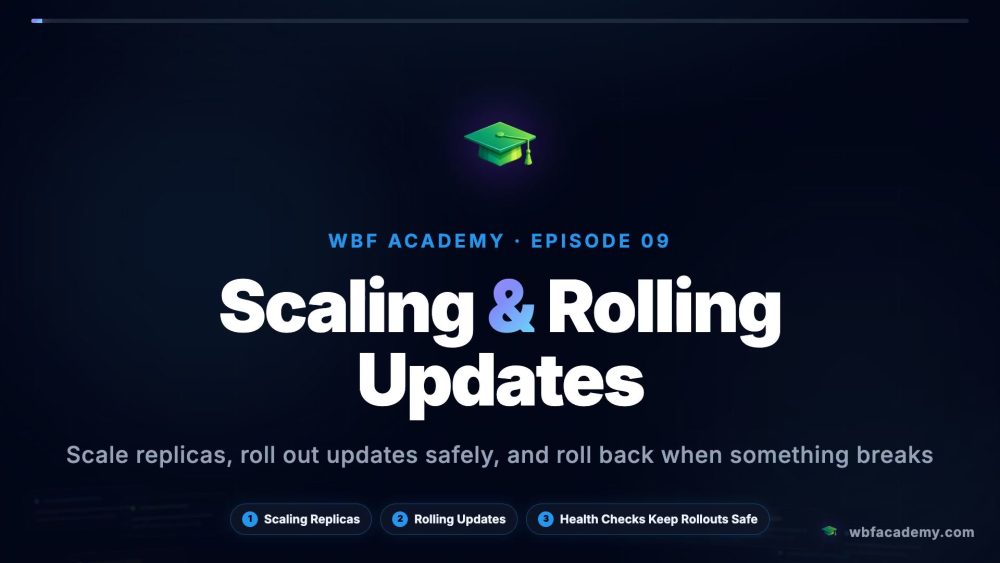
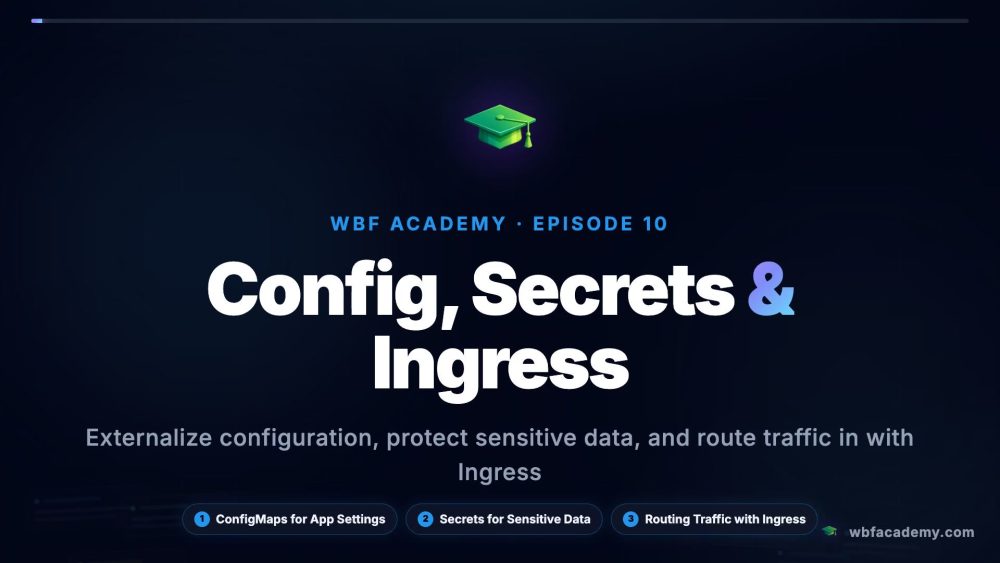
Getting an app running on Kubernetes is only the start — this track teaches how to run it well. You will scale Deployments up and down manually and see how the scheduler places new pods, then perform rolling updates that ship new versions with zero downtime and know how to roll back when something breaks. You will separate configuration from code using ConfigMaps and keep sensitive values safe with Secrets, instead of hardcoding them into images. You will add liveness and readiness health checks so Kubernetes can detect and replace unhealthy pods automatically, and set up Ingress to route external traffic to the right service by hostname or path. By the end you will deploy, update, and scale real applications on Kubernetes with the same practices used in production clusters.

Certification Exam

🏆

Certification Exam

Docker & Kubernetes

30
Questions
45m
Time Limit
% 70%
To Pass

All tracks · No time pressure to start

🏆

Certification Exam

Docker & Kubernetes

#

30 Questions

All difficulty levels

45 Minutes

Auto-submits when time expires

%

70% to Pass

Earn your certification badge

No Going Back

Once you answer, you move forward

Tips

See all